Menu
Back

Call This Monday to Get $25 OFF
Call This Monday to Get $25 OFF
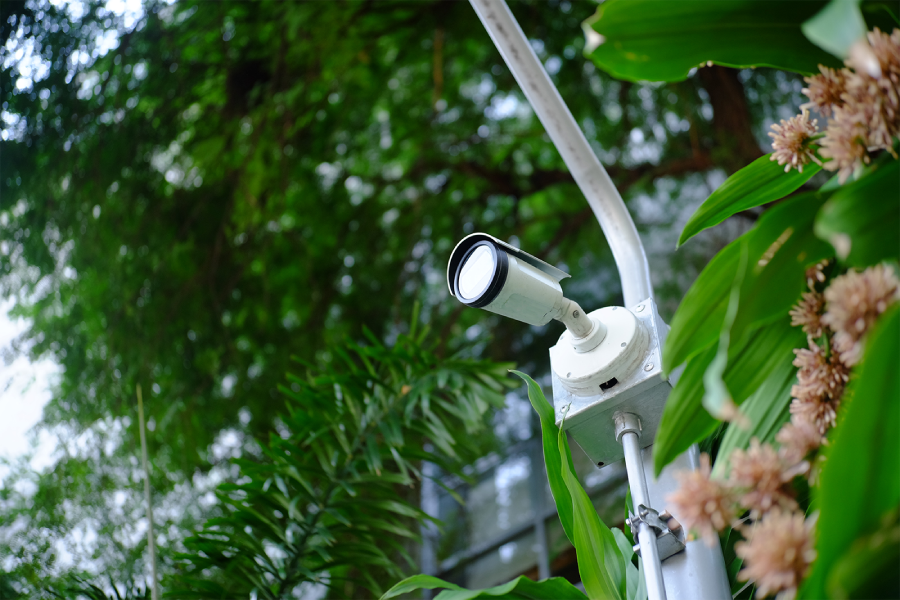
The old proverb goes, “Measure twice, cut once.”

Carpenters have followed that advice for generations because careful planning saves time, money, and frustration. The same idea applies to security. Before anyone mounts a camera or runs a cable, they need a plan.
Many business owners ask the same question: How many security cameras do I really need?
The honest answer is, “It depends.” After all, every property has a different layout, different risks, and different goals. A small office has different security needs than a warehouse, apartment community, or manufacturing plant.
At ArcEye Defense, we specialize in commercial property security solutions, including camera installation and virtual guard services. We tailor solutions that fit each property instead of forcing every property into the same template.
Many people begin by shopping for camera packages, but that’s backwards. The first question is not, “How many cameras should I buy?” The question to ask is, “What do I need to protect?”
In fact, think about your property in zones instead of square footage. Every zone has different security needs, and some deserve much more attention than others.
Even the best camera cannot stop someone from breaking in… It can only record what happens. That is why many businesses pair cameras with virtual guard services.
With virtual guardianship, trained security professionals monitor live video around the clock instead of waiting until the next morning to review footage.
This proactive approach often stops crimes before they become costly losses. Call or message ArcEye Defense to learn about your options.
The best security systems do not happen by accident; it’s only with careful and diligent planning.
During our commercial security camera installation in Norcross at ArcEye Defense, we study your property, identify vulnerable areas, and design a system that provides complete coverage without unnecessary equipment.
Ready to find out how many cameras your facility actually needs? Contact ArcEye Defense. We'll evaluate your property, map out every security zone, and recommend a system that delivers the right coverage, the right technology, and the right level of protection.

Shopping for commercial cameras can feel like reading a menu in another language. Domes, bullets, PTZs, 4K, edge AI, NVRs: the…
Read MoreA security guard who misses an unauthorized entry because they're checking their phone or struggling to stay awake leaves your business…
Read More
Virtual guarding can help businesses reduce commercial security costs by replacing some on-site guard hours with edge-computing cameras and remote security…
Read MoreThe moment an intruder crosses your digital perimeter installed by ArcEye Defense, edge-computing cameras detect them and screen out false alarms.…
Read More