Menu
Back

Call This Tuesday to Get $25 OFF
Call This Tuesday to Get $25 OFF
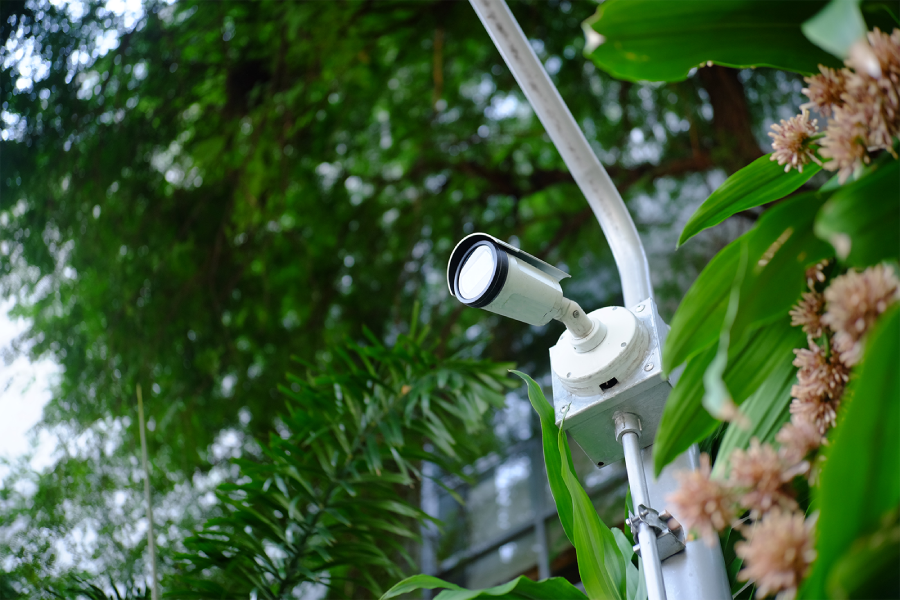
One of the first questions businesses ask when they start looking into virtual guard services is whether they need to replace the cameras they already have. In most cases, the answer is no, and that changes the conversation around cost and implementation. ArcEye Defense works with businesses that want to add a layer of active monitoring to their existing setup without starting from scratch. Keep reading to find out how the integration process works and what makes an existing camera system a good fit for virtual guarding.
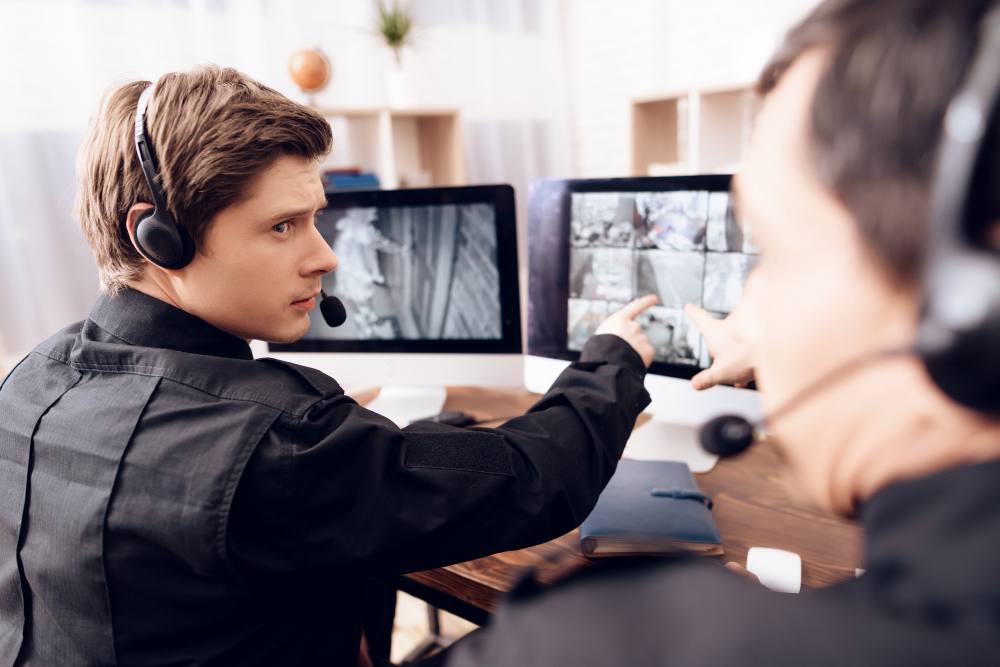
Recorded surveillance captures footage, and that's it. The video sits on a server until someone pulls it up after an incident has already happened. Virtual guard services have a live monitoring team that watches camera feeds in real time and intervenes when something looks wrong. Intervention can mean issuing a verbal warning through an on-site speaker, contacting local law enforcement, or alerting a designated contact at your business.
Most businesses already have cameras and assume that's enough. Cameras document, but virtual guards respond. Remote security monitoring adds the layer of human judgment that turns passive footage into an active deterrent. A would-be trespasser who hears a warning over a speaker will usually leave the scene right away, but might not be bothered by a static camera.
Think about what that means for liability and insurance as well. Documented incidents with real-time response logs carry more weight than raw footage with no corresponding action record. Businesses that can show a monitored response to an incident are in a stronger position when filing claims or working with law enforcement to build a case.
A technician can review your current setup to determine if it can support live virtual guarding. The visit covers camera placement, image quality, and network connectivity. They will also check if the existing system can stream footage to a remote monitoring center. Most modern IP-based camera systems pass this evaluation without requiring a serious hardware replacement.
The evaluation identifies gaps rather than issuing a blanket pass or fail. A camera that's covering the wrong angle can be repositioned. A unit that's producing consistently low-resolution footage at night will probably get flagged for an upgrade. In some cases, businesses have to add one or two cameras to cover blind spots, but the core infrastructure stays intact.
Older analog systems sometimes require a video encoder to convert the signal to an IP-compatible format. The goal is to work with what exists and identify the minimum changes needed to make remote security monitoring viable. Most businesses are closer to compatible than they expect.
Resolution is the first thing that determines whether a camera can support virtual guarding. Someone watching a 480p feed in low light can't reliably identify faces or license plates. A minimum of 1080p is the baseline for effective remote security monitoring. Higher resolutions matter most at entry points and parking areas.
Frame rate and field of view are the next two variables. A camera running at 15 frames per second will miss motion events that a 30fps unit catches. Wide-angle lenses cover more ground but can introduce distortion at the edges that reduces usability. Pan-tilt-zoom cameras give monitoring teams flexibility, while fixed cameras with proper placement are reliable for consistent coverage of a defined zone.
Night vision capability rounds out the core requirements. Infrared illumination takes care of most low-light scenarios, but cameras with color night vision produce footage that's easier to interpret. Latency is important as well. A feed with more than a few seconds of delay between the camera and the monitoring center reduces a guard's ability to respond while an incident is still developing. If your existing cameras meet these benchmarks, they're strong candidates for integration without a full commercial security camera installation.
Integration starts with your network. For a monitoring center to receive live feeds, your cameras need to transmit data over a stable internet connection with enough upload bandwidth to support multiple simultaneous streams. A technician will test your current bandwidth and identify whether your router, switches, or network configuration needs any adjustments. In many cases, the cameras themselves are fine, and the network is the only thing that needs attention.
Once the network is confirmed, your camera feeds get routed to the monitoring platform. This typically involves configuring your NVR or DVR to allow external access through a secure connection, setting up user permissions, and testing the feed quality on the monitoring end. The monitoring team verifies that each camera angle is usable, that audio-out capability is active, and that the feed stays stable under normal network load.
The full process from assessment to live monitoring takes days in most cases, not weeks. Businesses don't need to shut down operations or pull cameras offline during setup. The technician works around your schedule and confirms everything is working before the monitoring team goes live. From that point forward, remote security monitoring runs continuously without requiring ongoing involvement from your IT team.
Cameras don't make decisions; they just record what happens, and that’s only useful after the fact. For example, think about a construction site after hours. Cameras record two individuals cutting through a perimeter fence. Without live monitoring, the footage is reviewed the next morning after the tools are already gone. With remote security monitoring, a guard watches the feed and issues a warning the moment the fence is breached. If the individuals don't leave, law enforcement gets dispatched while the incident is still in progress.
The other gap is consistency. On-site guards take breaks, get distracted, and have limits on how many locations they can cover at once. A virtual guard team monitors multiple camera feeds simultaneously without those constraints. Commercial security camera installation in Piperton, TN paired with passive recording gives you documentation. Virtual guarding gives you intervention.
The fastest way to find out if your cameras can support virtual guarding is to schedule a site assessment. A technician reviews your existing equipment, identifies any compatibility issues, and tells you exactly what would need to change before monitoring could begin.
If your cameras are IP-based, networked, and producing clear footage, you're likely closer to ready than you think. Businesses that have invested in commercial security camera installation within the last five to seven years typically need minor adjustments at most. Older systems may need encoders or targeted camera replacements, but a full overhaul is rarely necessary.
ArcEye Defense provides assessments that give you a clear picture of where your system stands and what remote security monitoring would look like for your specific site. We work with your existing infrastructure wherever possible, and we don't recommend replacements unless the footage quality genuinely won't support effective monitoring. Contact us to schedule your evaluation and find out how quickly your existing cameras can be put to work protecting your business around the clock.
Most people interact with security cameras every day without giving much thought to what's actually happening behind the scenes. The camera…
Read MoreMarketing language often includes words like “immediately” and “as soon as possible,” but let's talk about what rapid response in remote…
Read More
Artificial intelligence has stopped being a buzzword and started being a legitimate business tool. Across industries, AI is helping businesses work…
Read MoreEvery product on your shelves, every piece of equipment in your warehouse, and every item staged at your loading dock represents…
Read More